
Get 50% OFF QuickBooks for 3 months*

Buy now
Switch to QuickBooks and 70% off for 3 Months
May 28, 2026
Question

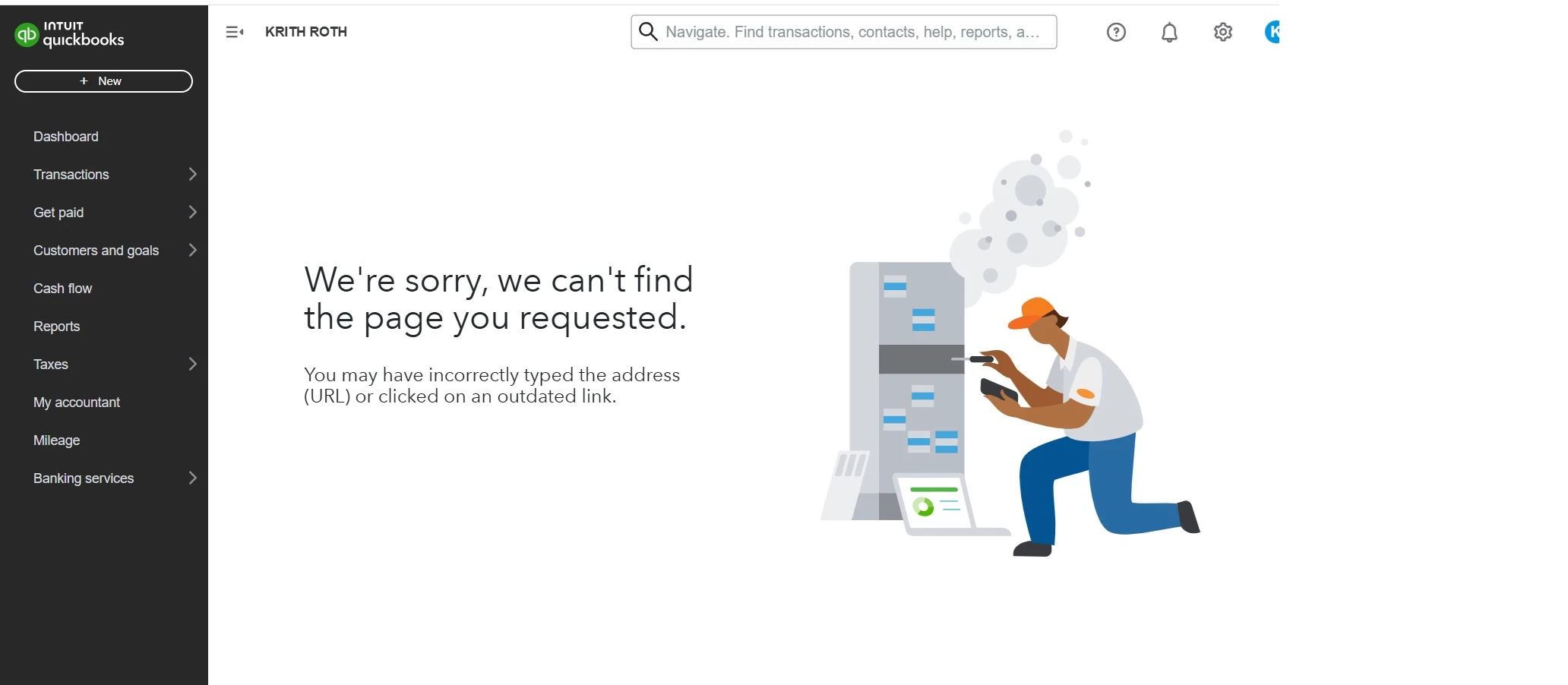
cancel subscription Solopreneur- URL not accessible- Please help

  • May 28, 2026
  • 2 replies
  • 12 views


2 replies

Morgan_B
QuickBooks Team
May 28, 2026

Hey there, KRITH ROTH.


Thanks for contacting the Community with your concern. Sometimes business needs change so I want to make sure you're able to cancel your QuickBooks Online Solopreneur subscription.


To rule out any browser related issues, I would recommend starting with clearing the cache. The cache collects frequently used data to make loading web pages quicker and easier. If it becomes too full it can potentially cause certain viewing and performance issues. Here's how to complete this process in Chrome for example: 


  1. At the top right, click More (vertical ellipses), Delete browsing data.
  2. Choose a time range, like Last hour or All time.
  3. Select the types of information you want to remove.
  4. Click Delete data.

The following article provides similar steps depending on which browser you're using: Clear cache and cookies to fix issues when using QuickBooks Online.


Please give this a try and then attempt to cancel the subscription once more. Feel free to reach back out if you run into any other issues.

May 30, 2026

I used a different browser and resolved. Thank you!

May 30, 2026

RESOLVED. Thank you!
