

Get 50% OFF QuickBooks for 3 months*

Buy now
Switch to QuickBooks and 70% off for 3 Months
Katie B
Level 1
December 20, 2024
Question

Kickstart Your Business with QuickBooks Online: Free Guided Setup Session!
  • December 20, 2024
  • 5 replies
  • 17 views


Congratulations on signing up for QuickBooks Online! You’ve taken an excellent first step toward mastering your business finances. But we know that setting it up can feel tricky, especially if you’re new to it.

QuickBooks Online simplifies financial management for businesses around the globe. But you don’t have to navigate the setup alone!


Get Free Expert Help!

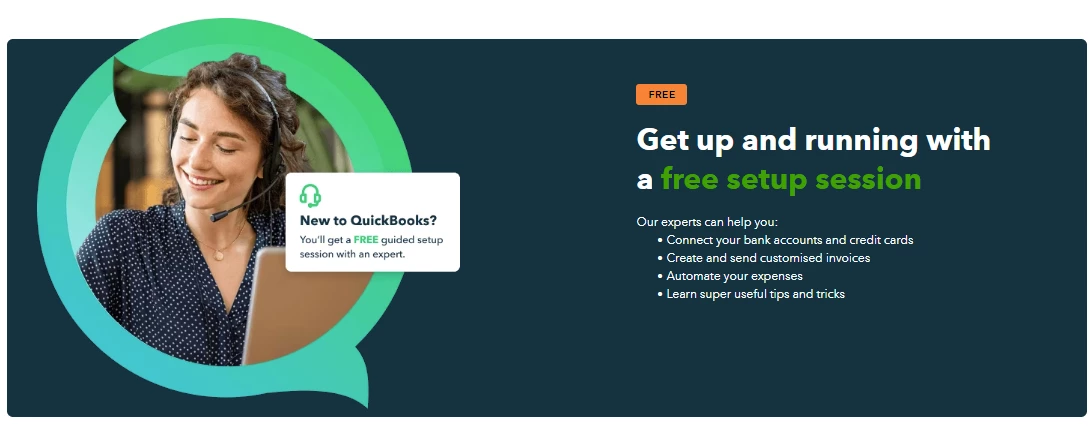
Sign up for our FREE 45-minute Guided Setup Session, where a QuickBooks expert will help you:

  • Personalize Your Experience: Tailored guidance based on your business needs.
  • Learn Key Features: Get hands-on help connecting bank accounts, managing customers, creating invoices, and organizing expenses.
  • Save Time & Money: Avoid costly mistakes and get your account running efficiently.


Book Your Free Session Today!

Don’t wait! Choose a date that works for you, and we’ll help you get started on the right foot. After your session, you’ll receive valuable resources like tutorials and articles to boost your QuickBooks confidence.


Book your FREE Guided Setup Session now and take control of your business finances with QuickBooks Online. Welcome to the QuickBooks family!

5 replies

March 9, 2025

B I

Moderator
March 9, 2025

Thanks for dropping by this thread, Abrahim.
 
We'd be delighted to assist you accordingly. That said, may I ask what your concern is all about?


Can you please share complete details so we can work on it together? Any further information could help us resolve your issues or guide you with your questions.


You might also be interested in exploring our help articles, Q&A, and business discussion links that can supply you with insights about navigating through QuickBooks seamlessly:


Once you're ready to add more details about your queries, hit the Reply button. Rest assured, we'll get back and assist you accordingly.

August 25, 2025

test

November 15, 2025

Incorrect billing amount going off my bank account???????

QuickBooks Team
November 15, 2025

Hi there, @orders29.


I have recognized that you posted the same issue twice here in the Community forum regarding the incorrect billing amount of your bank account.


Please check this link, my colleague has given you the answer to your concern:

https://quickbooks.intuit.com/learn-support/en-za/manage-your-account/why-i-can-t-find-any-emails-for-billing-errors/01/1587864#M9465


Thank you for your patience, please keep up posted if you have further questions. We're always here to make sure all your concerns are covered.

December 8, 2025

i


ii

March 10, 2026

Hi, when kicking on the taxes and went through the setup of output VAT, but to my surprise, I can not see my setup enabled in the invoice side

QuickBooks Team
March 10, 2026

Hi there, @Titi2204. We can start by verifying your tax settings. Please ensure a rate is entered in the Sales rate field and that the tax is fully activated. This ensures it applies correctly to your invoices.


If your settings are accurate but the VAT rate remains hidden, a browser-related issue is likely the cause. Resolve this by refreshing the page or logging out and back in. For persistent issues, use an incognito window. You can also update your browser, restart your browser, and then add Intuit as a trusted site. Stored cache or browser conflicts occasionally interfere with how QuickBooks displays data.


Should the issue persist, contact our live support team. They can securely access your account to investigate further.


Don't hesitate to let me know if you need help with anything else.