


5 Quick Fixes for QuickBooks Online Login Problems
If QuickBooks Online won't let you in, chances are it's your browser holding onto old data, not an actual problem with your account. Pop open a private or incognito window and try signing in there. If that gets you through, clearing your cache and cookies will fix it for good in your normal browser too. Below we walk through that reset step by step, along with what to do for specific issues like login loops, a password reset email that never shows up, or the old "Sign in with Google" option disappearing.
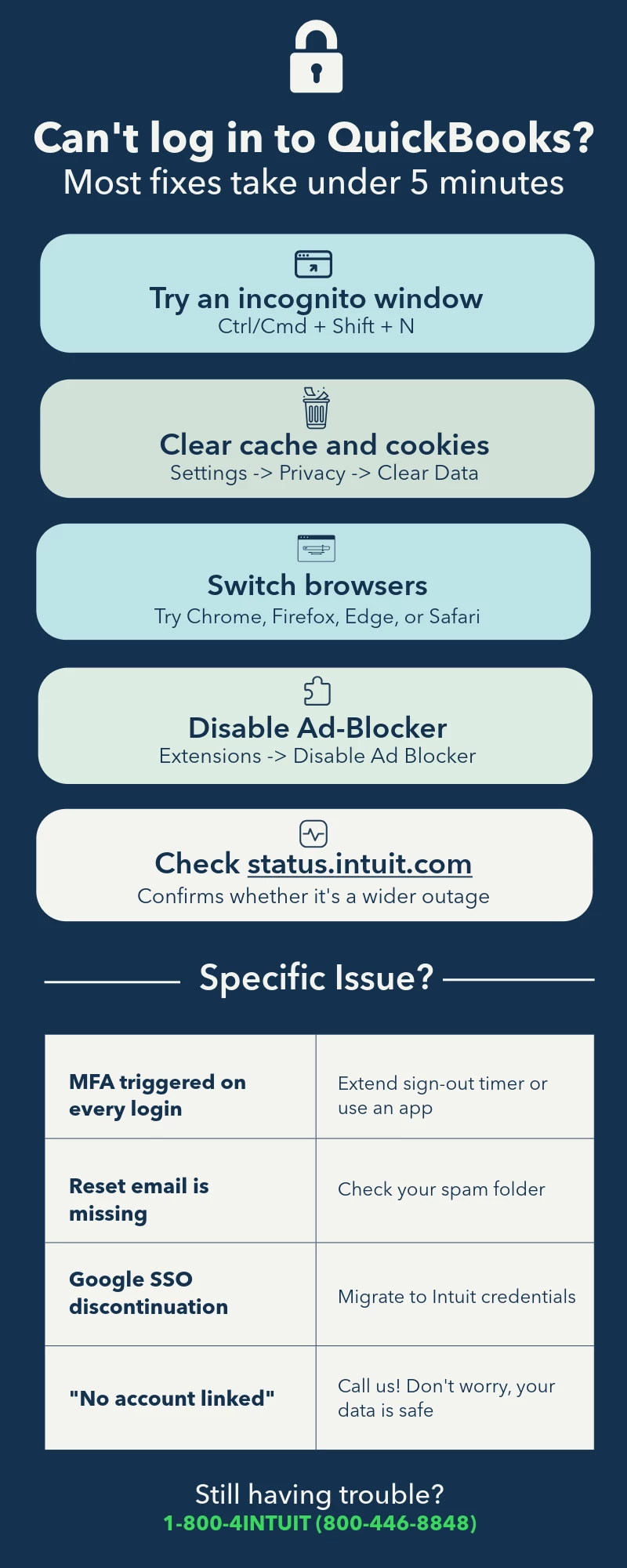
For a deeper breakdown of every login scenario, check out How to Fix Common QuickBooks Online Login Problems (2026 Guide).