

Add users in QuickBooks Connector
Learn how to add users in QuickBooks Connector (OneSaas).
In this article, you will learn how to add a new user to your QuickBooks Connector account.
Add a user
- Select the Profile icon, then select Users.
- Select Invite.
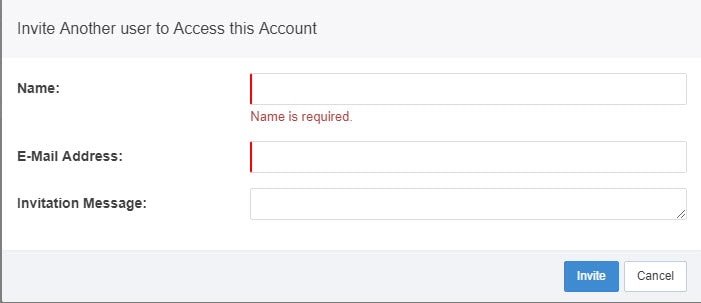
- Enter the details needed, then select Invite.
- A welcome email will now be sent to the email specified, this email will include a link for the customer to set up their password.