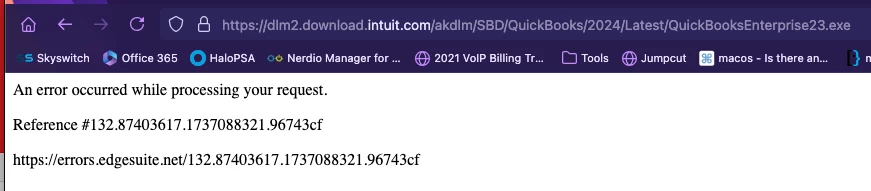
I appreciate your effort to return to this forum for updates, Sho.
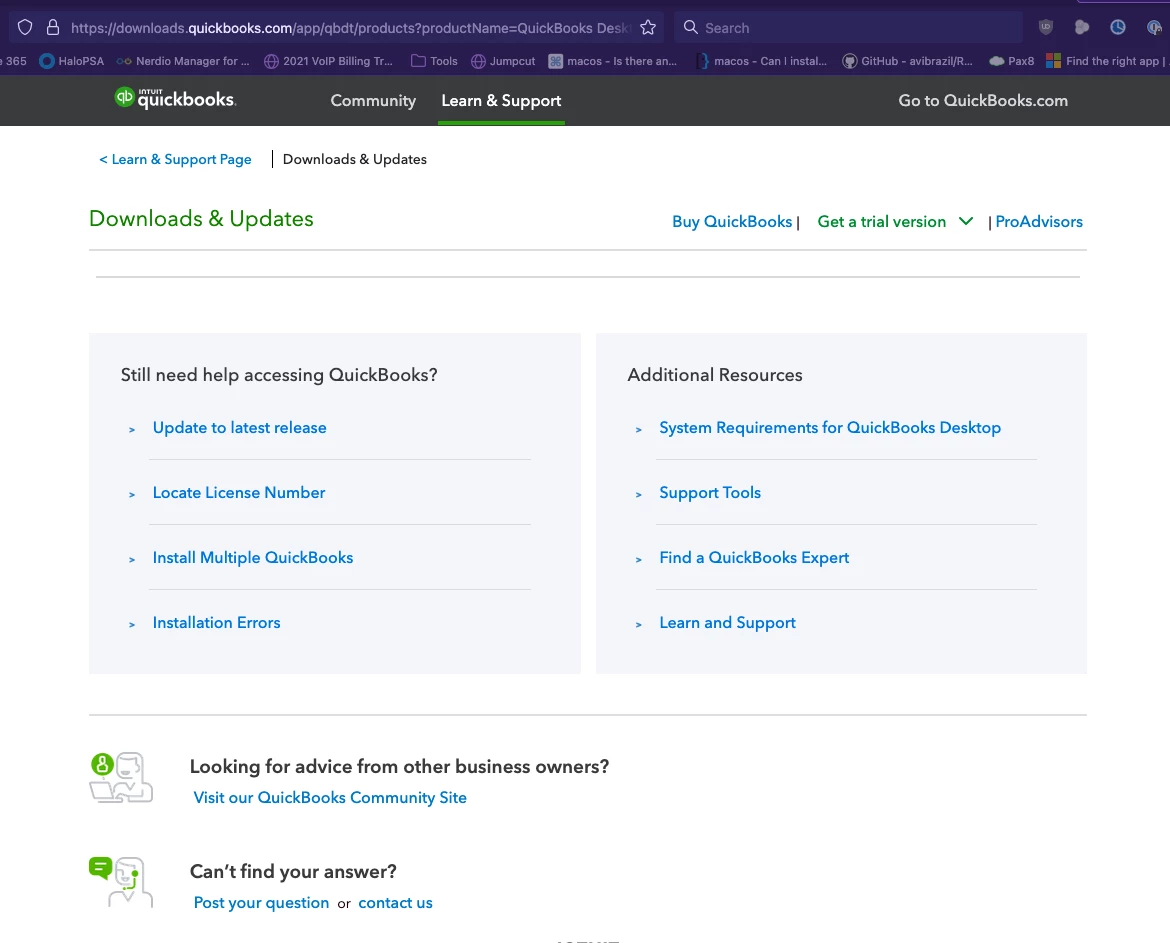
Since you're getting the same error after trying the solution given by my colleague in downloading QuickBooks Desktop (QBDT) Enterprise, allow me to provide additional information to download it.
Here's another way to download it:
- Sign in to camps.intuit.com.
- Find your app or subscription in the Products & Services list.
- Select Details, then Download.
- Install QuickBooks Desktop.
Additionally, it's also important to check if our operating system, hardware, software, and other requirements are met to run QuickBooks Desktop 2023. This helps us ensure that we seamlessly do our financial reports without experiencing system issues.
Furthermore, I'm adding this resource for future purposes in how you can create and manage users and roles in QuickBooks Desktop Enterprise: Create and manage users and roles in QuickBooks Desktop Enterprise.
We stand ready to support your exploration of these options about downloading QuickBooks Desktop Enterprise. For any queries or additional assistance, please use this communication channel. We are here to support you every step of the way.
Hey!
I finally found the issue, there was a setting within my Firefox that was preventing the downloads from loading. There was a tracking URL fix addon that I had to disable, and the setting network.websocket.allowInsecureFromHTTPS that needed to be changed.
Looks like it's loading for me now. Thanks!