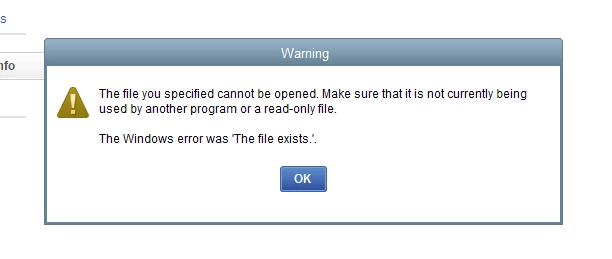
To do this, running the application with administrative privileges can often bypass permission restrictions that prevent updates or access to files. Errors typically occur when the file is being read incorrectly or when it is opened twice.
Here's how:
Open the Windows Start menu.
Type "QuickBooks" into the search.
Right-click on the QuickBooks version and year you wish to open from the results.
Select Run as administrator.
Run the payroll update.
Once the update is complete, close QuickBooks and open it normally (not as an administrator).
If running as an administrator does not resolve the issue, you may need to manually adjust the security permissions for the QuickBooks program file.