Receipt Management not Attaching Receipts
QuickBooks Premiere Plus 2024 Edition:
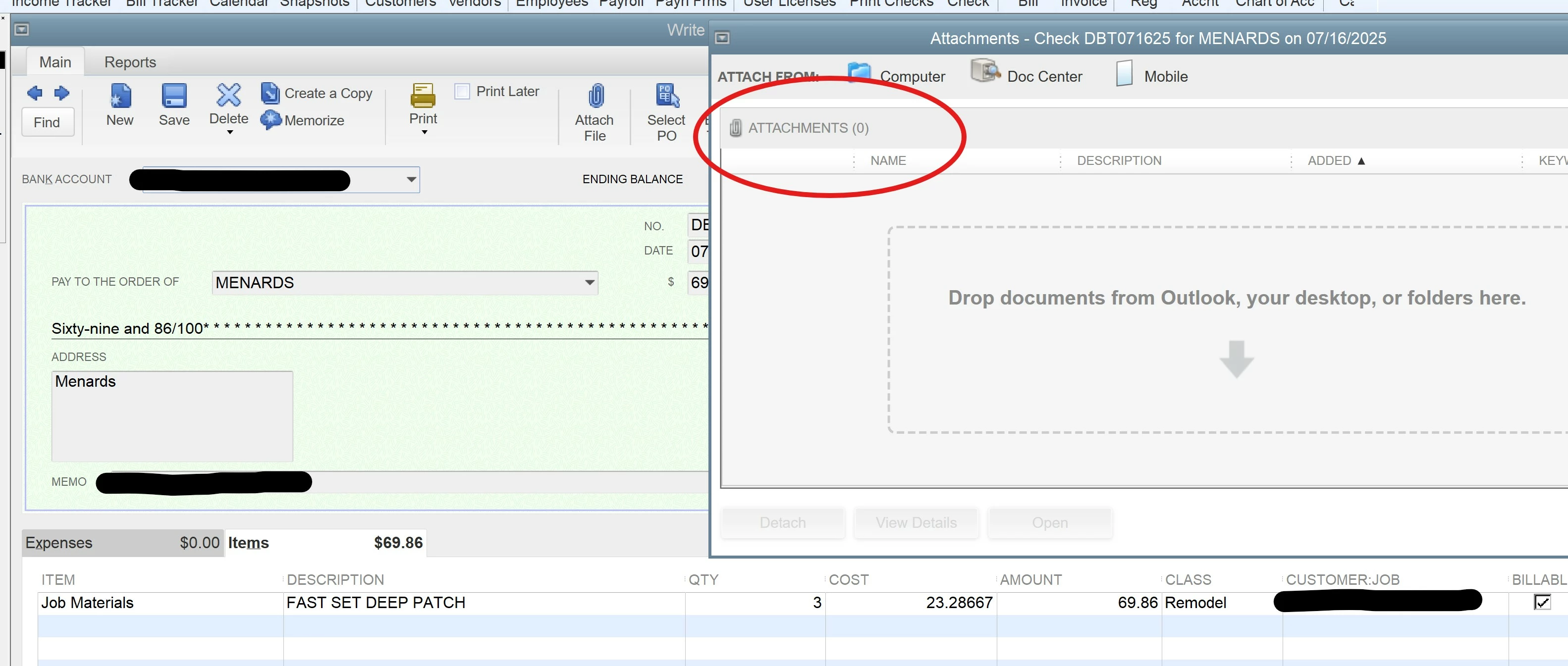
I'm having a problem with the Receipt Management feature not attaching the receipts (.jpg images) to the expense once I've "reviewed" the expense, added in all the receipt details, and clicked "Save & Add to Register". The expense does add correctly in the vendor account, but when I click on the transaction, there is no attachment.
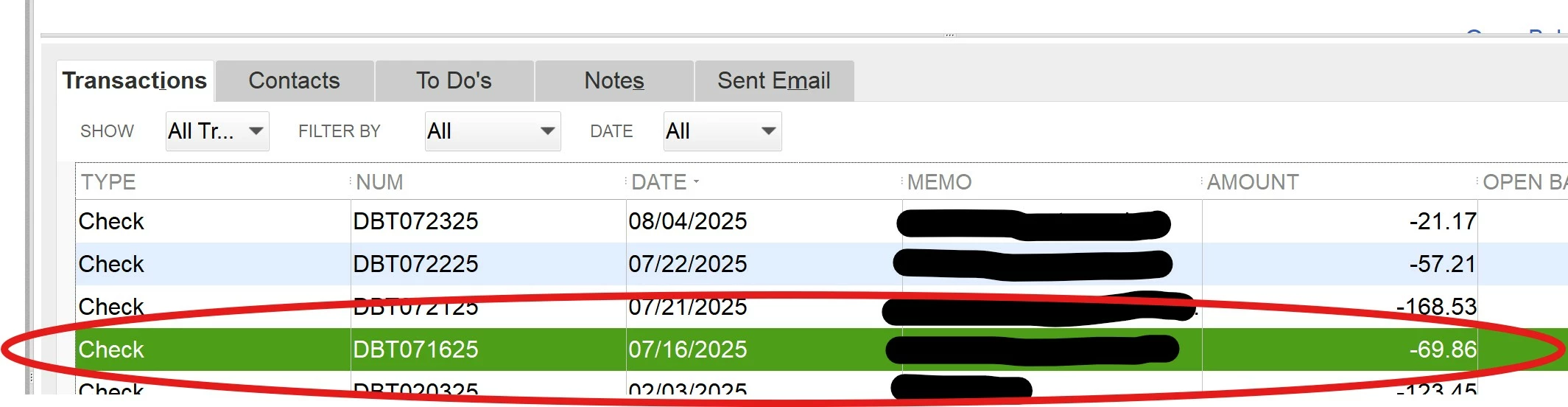
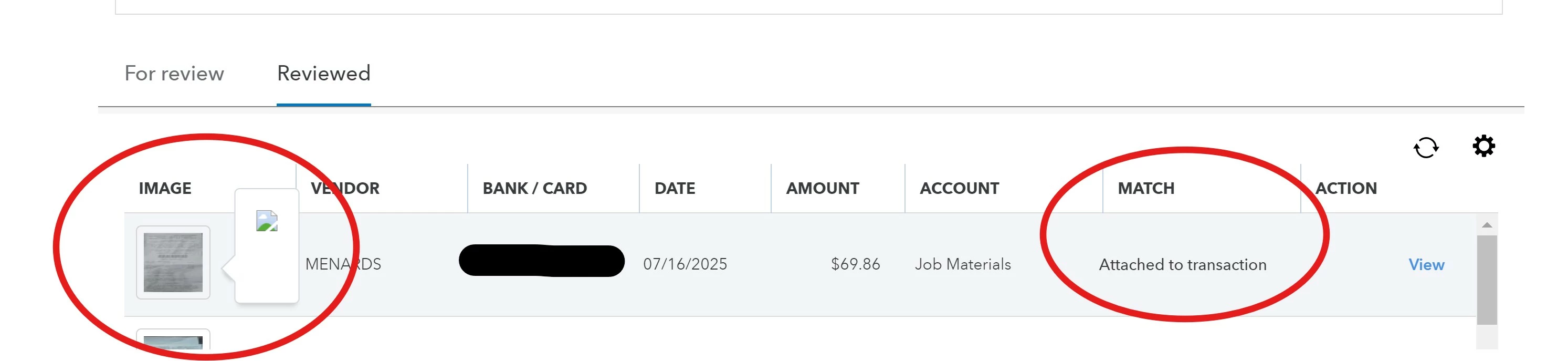
Furthermore, under receipt management, when I go to the "Reviewed" tab, I can see a thumbnail of the added receipt, and the all the detailed information - including, under the column "Match", where is says "Attached to transaction". If I click on the thumbnail (which I can tell does look like the receipt image), it shows a broken link image, so there's nothing for me to view. Under the "Action" column, I can click on "View" - this takes me to the appropriate expense information (with the top heading "Write Checks") and I can also see the "Check" under the correct vendor transactions. When viewing the Check, there are no attachments.
I've been doing a workaround by doing a screenshot of the receipt when I initially put it in, saving it to a "receipts" folder, then, after saving it in the register, going back into the vendor and that "check" and manually attaching it there. This is so tedious!
I've done the data rebuild several times and this not help. Is there maybe a setup thing I'm missing where these images aren't being stored in the correct location, or simply something I've missed? Any suggestions would be great, as my workaround solution just creates so much extra work to input!
I've put some screenshots on so you can see what I see