
Solved
Is there a way to have the due date shown on the invoice prior to sending it out to the customer?
No text available

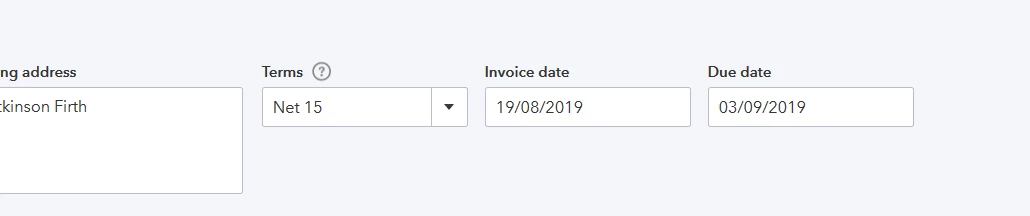
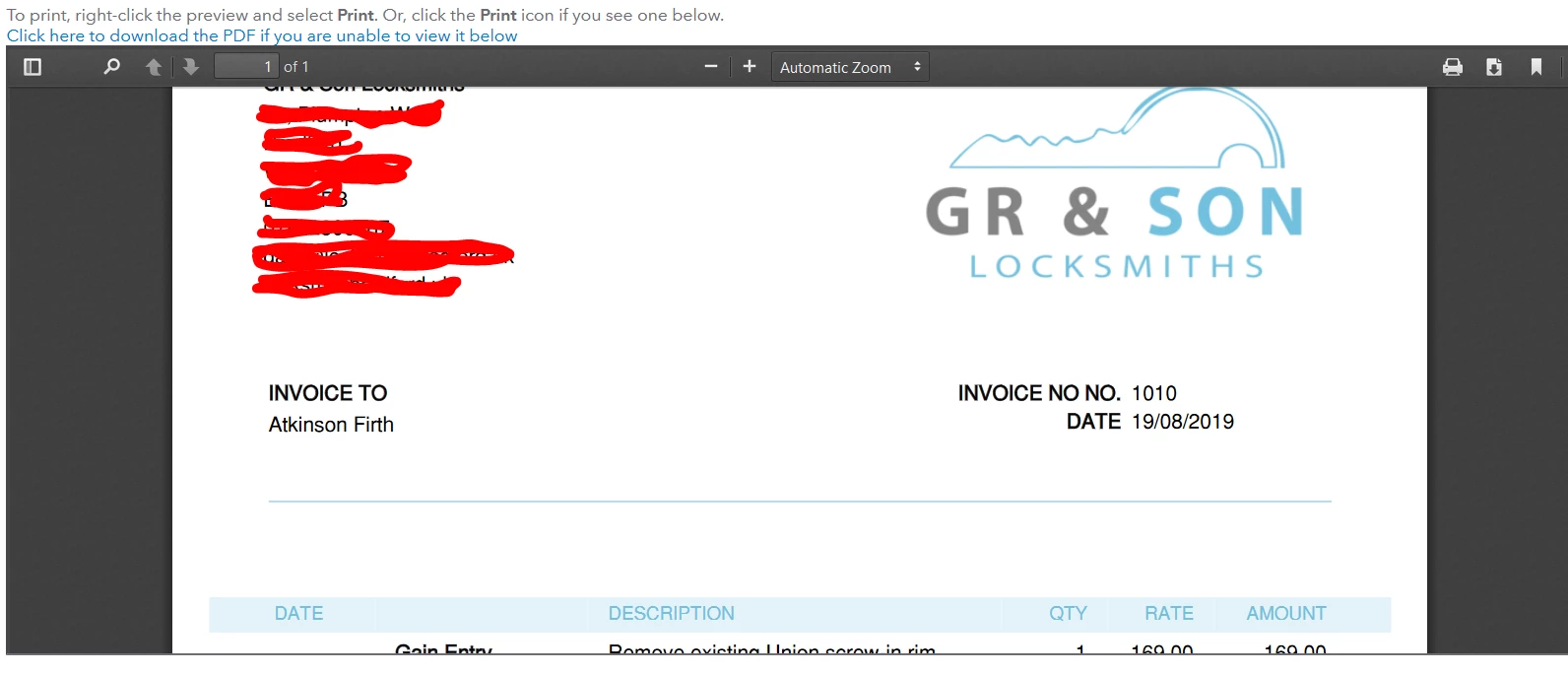
Here's both anyway. It shows when viewing the invoice in QB, but the actual PDF that's emailed to the customer it doesn't show:
Hello Manamaga,
Thanks for the screenshots, much appreciated.
Can you got to the cog wheel>custom form styles>click in the template you use>content>click in top box on right hand side>scroll down to display> tick the box Due date or expiration date>done
Then go back into an invoice and print or preview it and the due date should now appear on the page for you.
Enter your E-mail address. We'll send you an e-mail with instructions to reset your password.