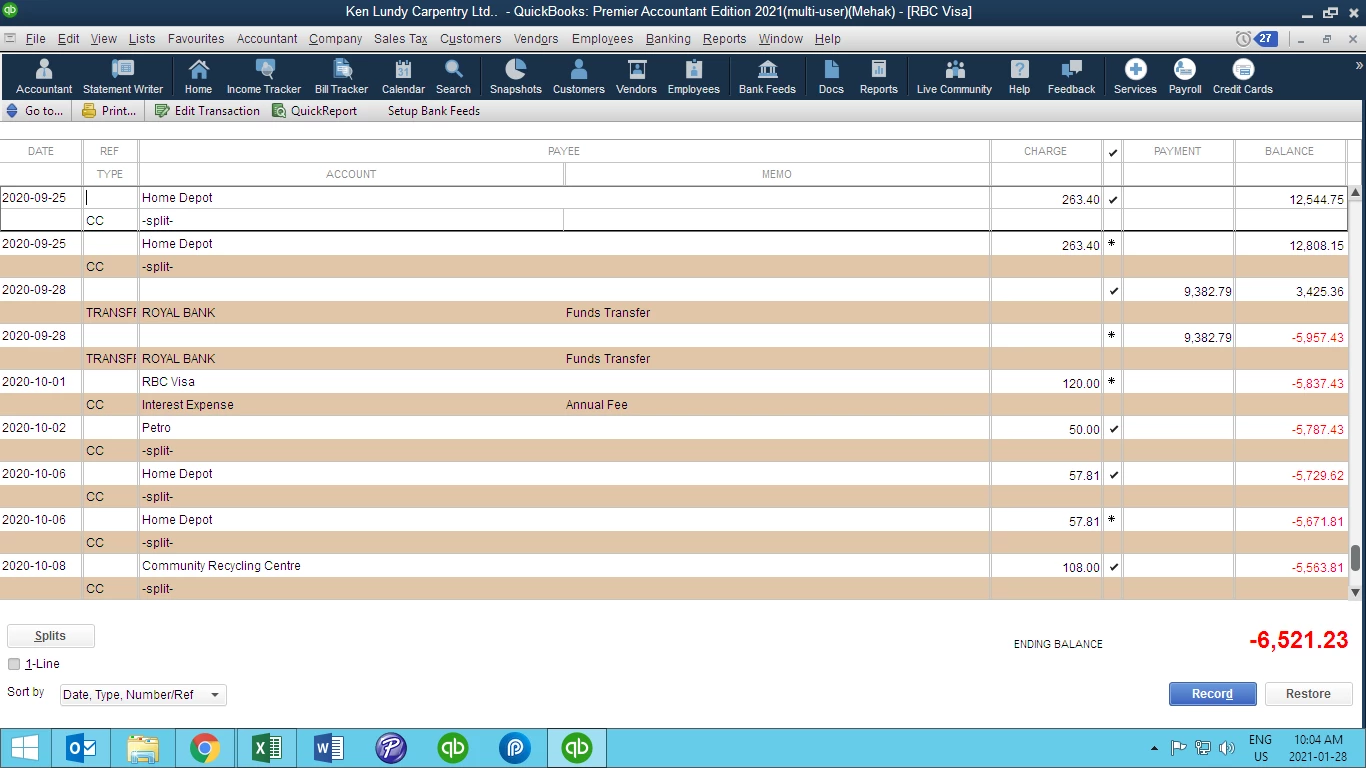
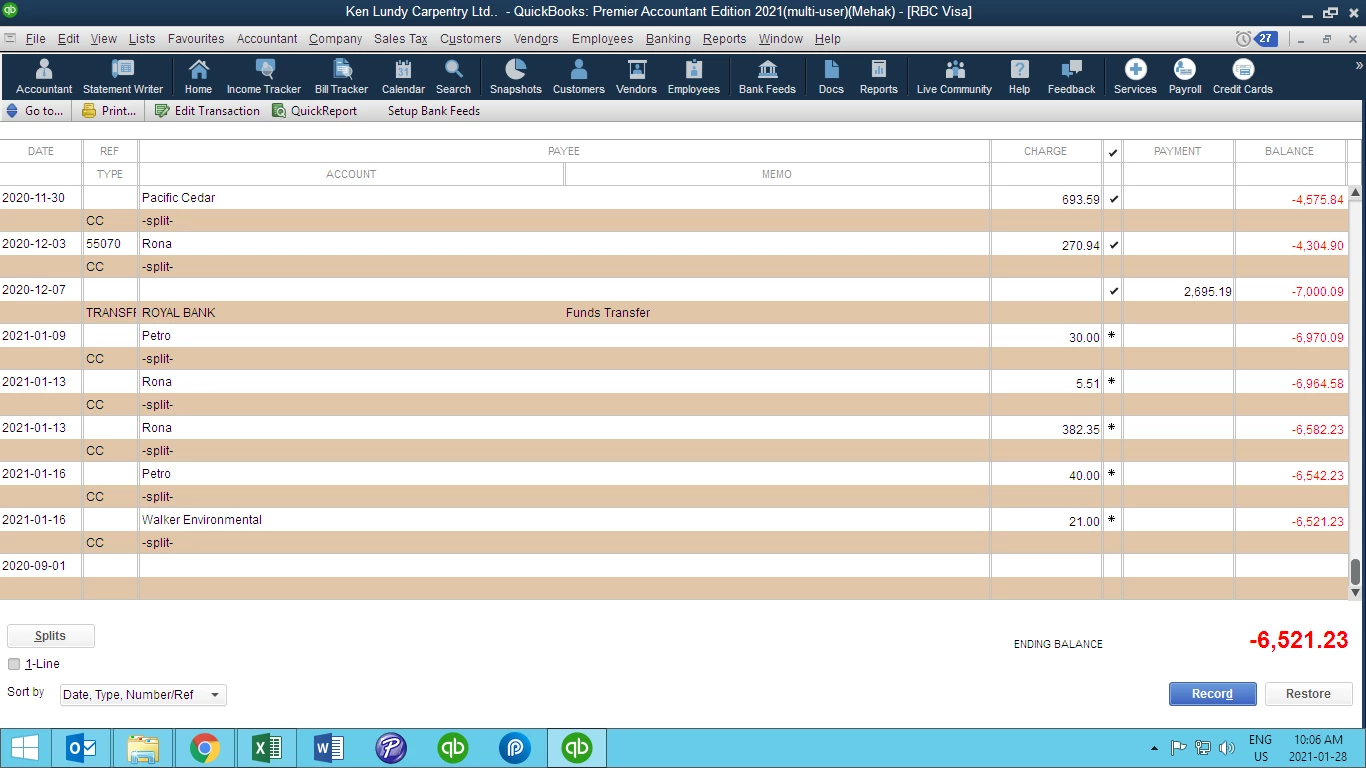
It's fantastic that you've joined us here in the Community in order to seek support on this. Sharing screen shots is a great way to demonstrate the issue that you're experiencing, so thank you for that. It's important that you're aware of why you're seeing transactions in specific accounts, so let me give you a hand with figuring this out.
To begin, the different symbols you see represent different stages of the reconciliation process. When you see an Asterisk it means that a reconciliation was started and the transaction was checked off, but the reconciliation wasn't finished. The Checkmark you see in the same column represents that the transactino was entered, verified, marked as cleared, and the reconciliation was completed for that period.
I believe you might be referring to the two Home Depot transactions, but if you're referring to something different please let me know. The best way to identify these transactions is to check the Audit Trail report. Here's how you can access it:
From the Reports menu, select Accountant & Taxes.
Choose the Audit Trail report.
Use the Customize Report option to specify the date of the transactions in question, as well as to specify what columns you'd like shown in the report.
Once you've filtered the report adequately, you'll be able to locate the transactions in question. This might give you some more insight as to why they were entered, and if necessary you can modify them to select a more appropriate account if necessary. If this doesn't quite hit the mark and you'd like more assistance with identifying these transactions, I'd encourage you to contact support. An agent can do a screen share with you and walk you through some steps to identify and modify the transaction if necessary.
Thank you so much, I figured it out and fixed the discrepancies.
I learned some new things from your reply. Truly appreciate your help.
A
Anonymous
January 29, 2021
Hi Mehak21,
I'm happy to hear that my colleague was able to answer your questions today. If you need any further assistance please don't hesitate to reach out again, we're here to help!
Need QuickBooks guidance?
Log in to access expert advice and community support instantly.