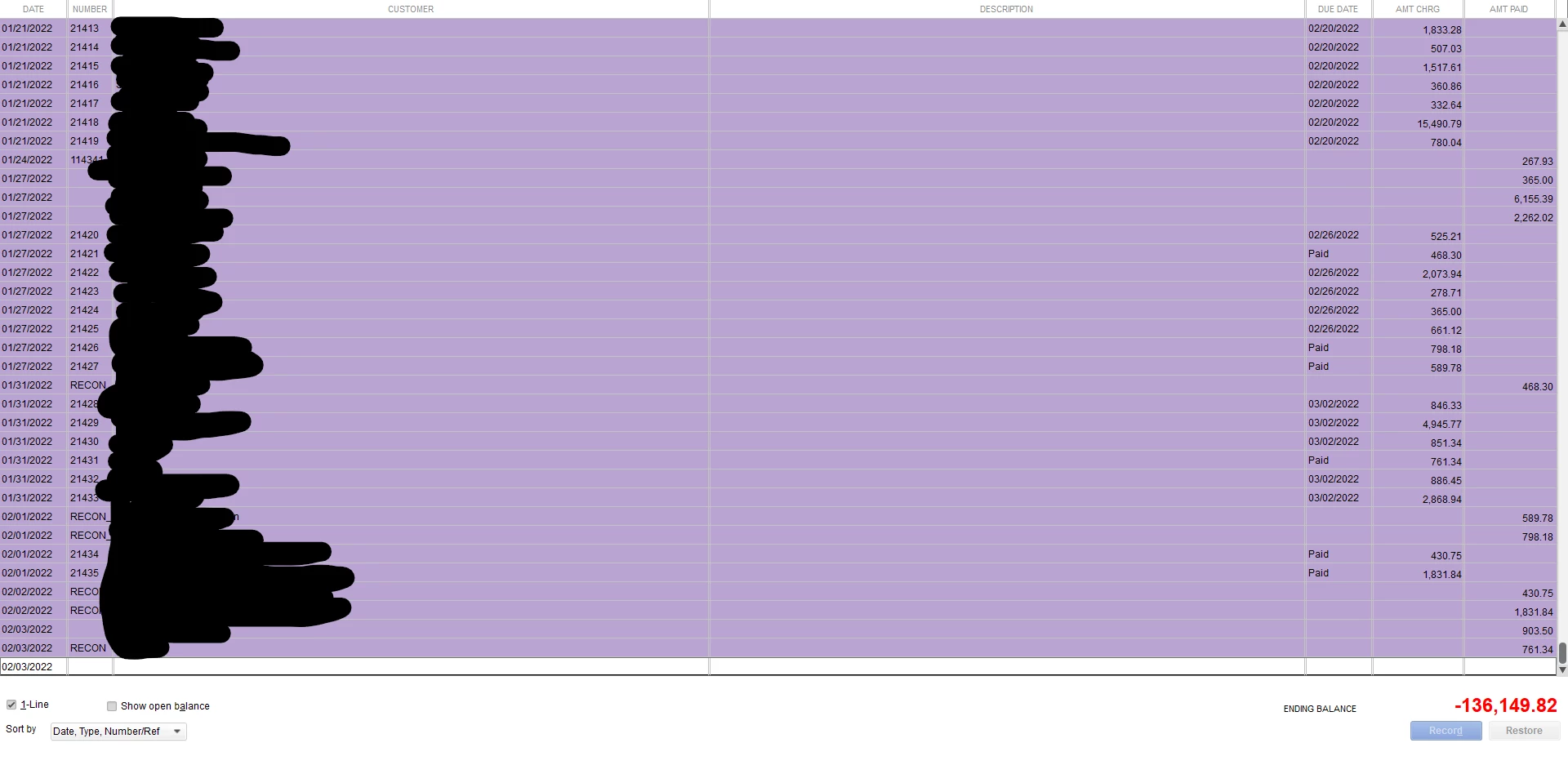
Allow me to share a few information about negative A/R in QuickBooks and guide you on what to do, kali1.
Generally, a negative Account Receivable (A/R) is the result of customers' credits or overpayments. There is also a possibility that there are double payments to a certain transaction. You'll want to run the A/R Aging Summary report to check the associated transactions and review the possible overpayments. To do this, follow the steps below:
Click the Reports menu at the top.
Choose Customers & Receivables.
Select the A/R Aging Summary report.
Double-click the negative amount. Then, it opens the A/R Aging QuickZoom report.
Open the payment that shows an open balance. Then, you're able to verify the payment amount entered.
thanks for the reply, when I open the quickzoom report, the deposits I make from the customers payments, it's showing as negative. Should I delete the deposite?