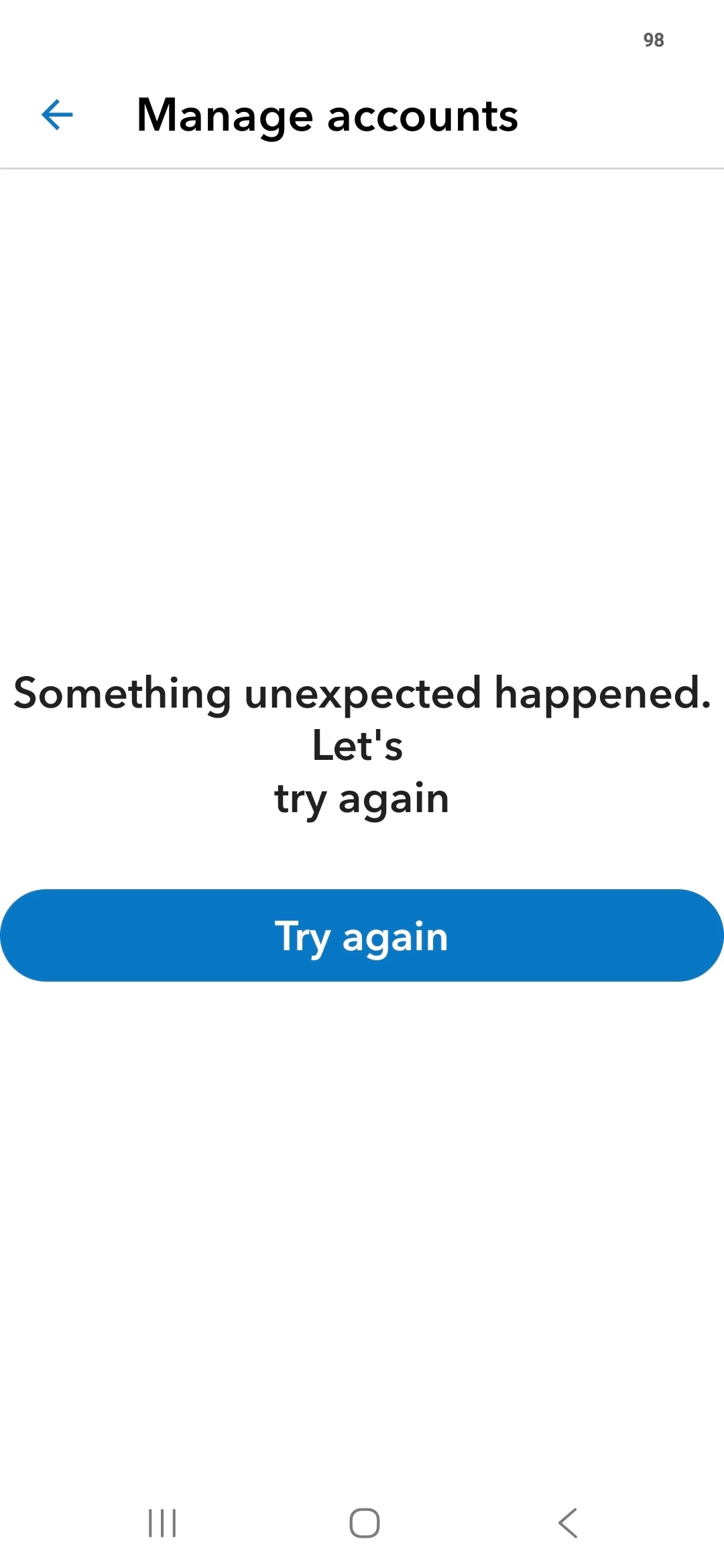
We appreciate your effort in sending us a screenshot. You can perform troubleshooting steps to clear out corrupted files, fix sync issues, and get the latest bug-free version.
Start by clearing the app data using these steps:
For iOS:
Open Settings and tap General.
Select iPhone Storage.
Choose QuickBooks Online.
Tap the Offload App to clear data without losing your documents.
For Android:
Open Settings on your device.
Tap Apps, then select QuickBooks Online from the list.
Choose Storage, then tap Clear data.
If that doesn't work, you can try uninstalling and reinstalling the app, then log back in to refresh your connection.
You can also try connecting your bank through your mobile device's web browser instead of the app.
If you have any further questions, reply to this thread.
Need QuickBooks guidance?
Log in to access expert advice and community support instantly.