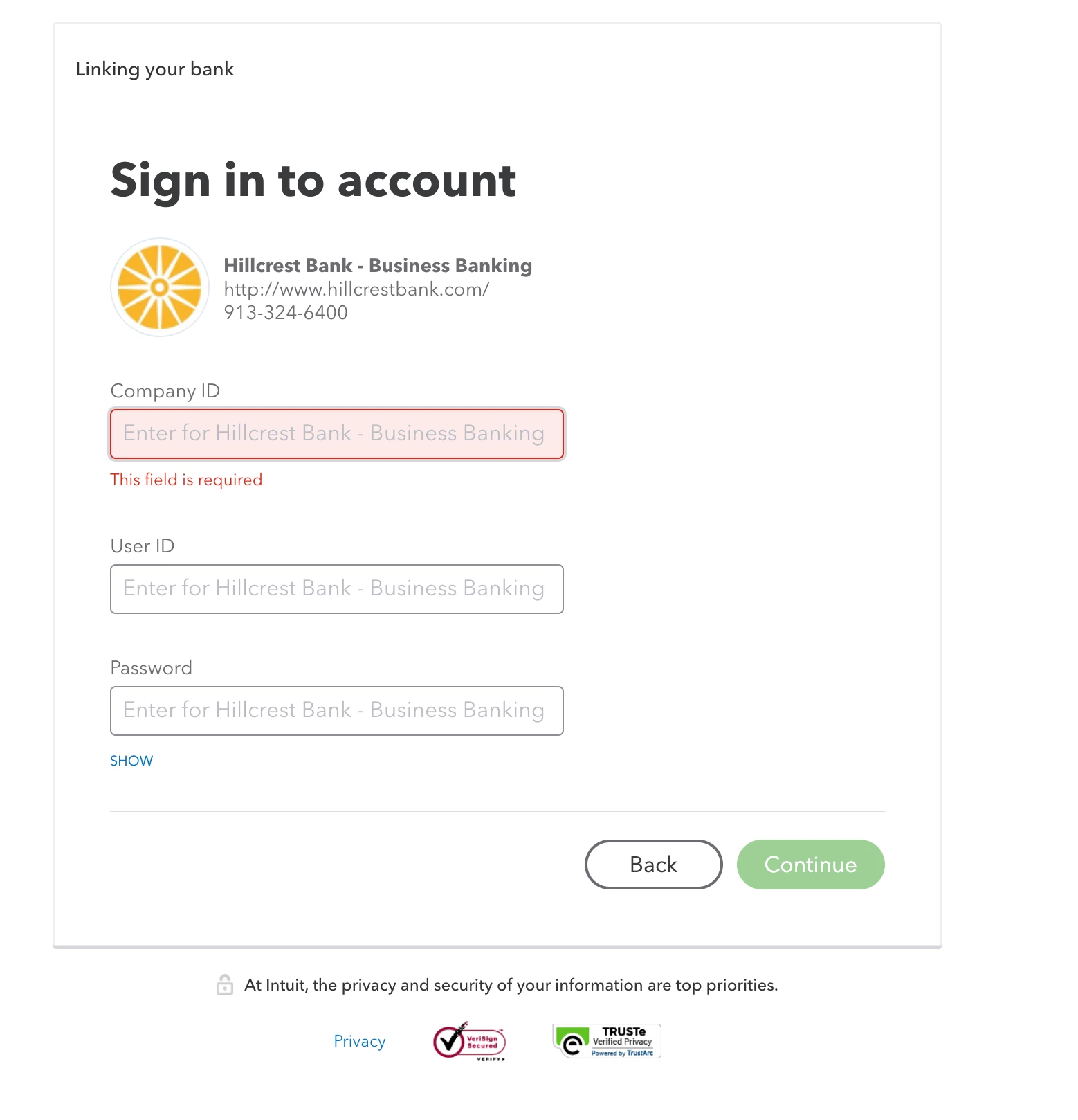
I'd be glad to show you how to find your Company ID in QuickBooks Online (QBO).
Every QuickBooks account has a unique Company ID. This information is one of the most important business information in your account for you to link to other accounts.
You can locate it within your Billing & Subscription page with the following steps:
Tap the Gear icon in the upper right to choose Account and settings under Your Company.
Click the Billing & Subscription menu to see more information.
Go to the Company ID section to see the number.
Once you have it, you can now link another account to your QBO account.
You may also visit this article below about handling your subscriptions, payment method, business info, and other relevant matters: Account Management.
Keep in touch if you still need help linking your account to QBO. I’ll get back and make sure you’re taken care of. Have a good one and stay safe!
Need QuickBooks guidance?
Log in to access expert advice and community support instantly.