
ERROR WORKSTATION or NETWORK PICS on desktop
Hello QB, just wanted to pass on a text error on your most recent QuickBooks Tool Hub (QuickBooks Desktop File Doctor). Maybe I am wrong, please correct me if so!
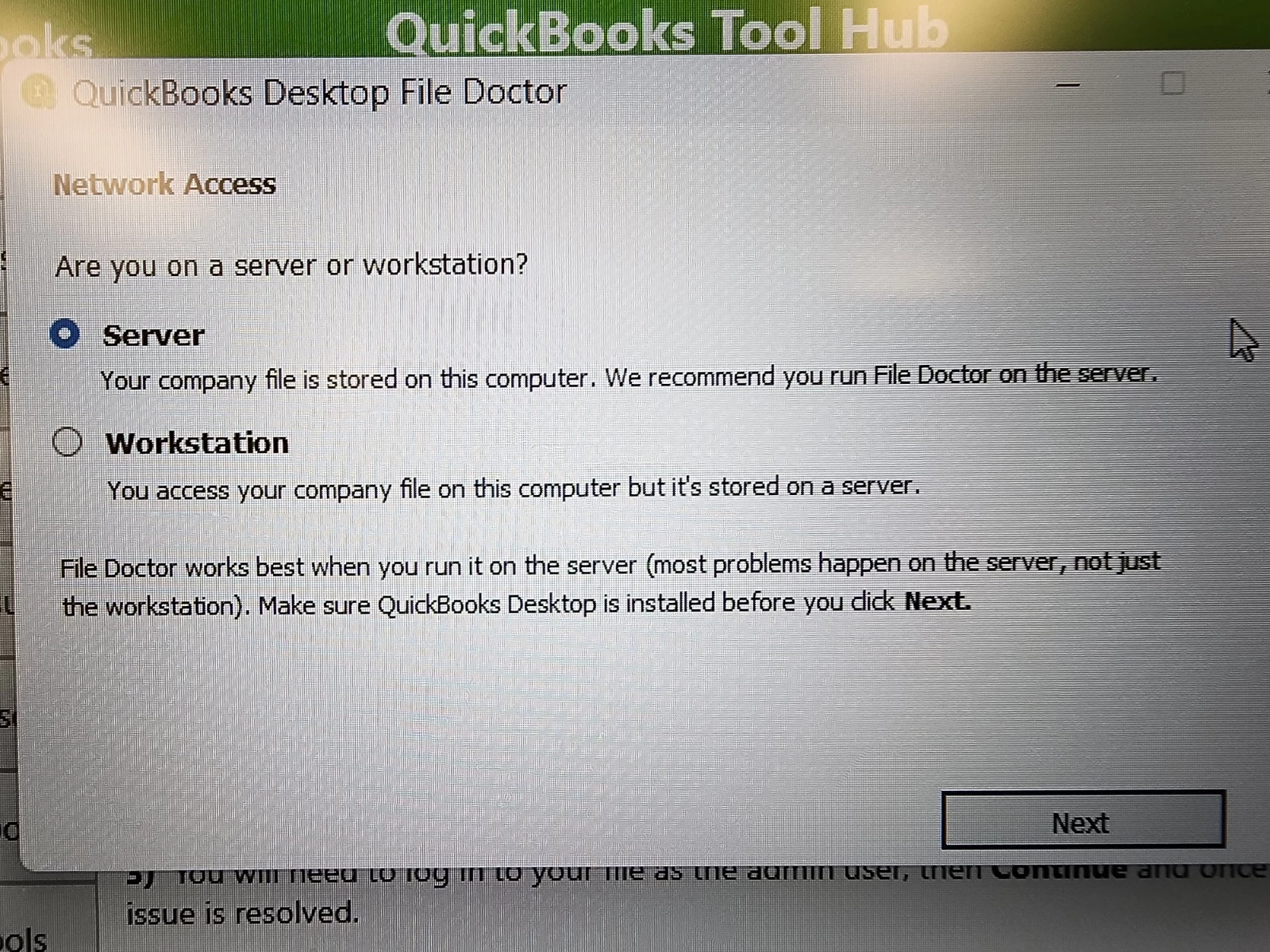
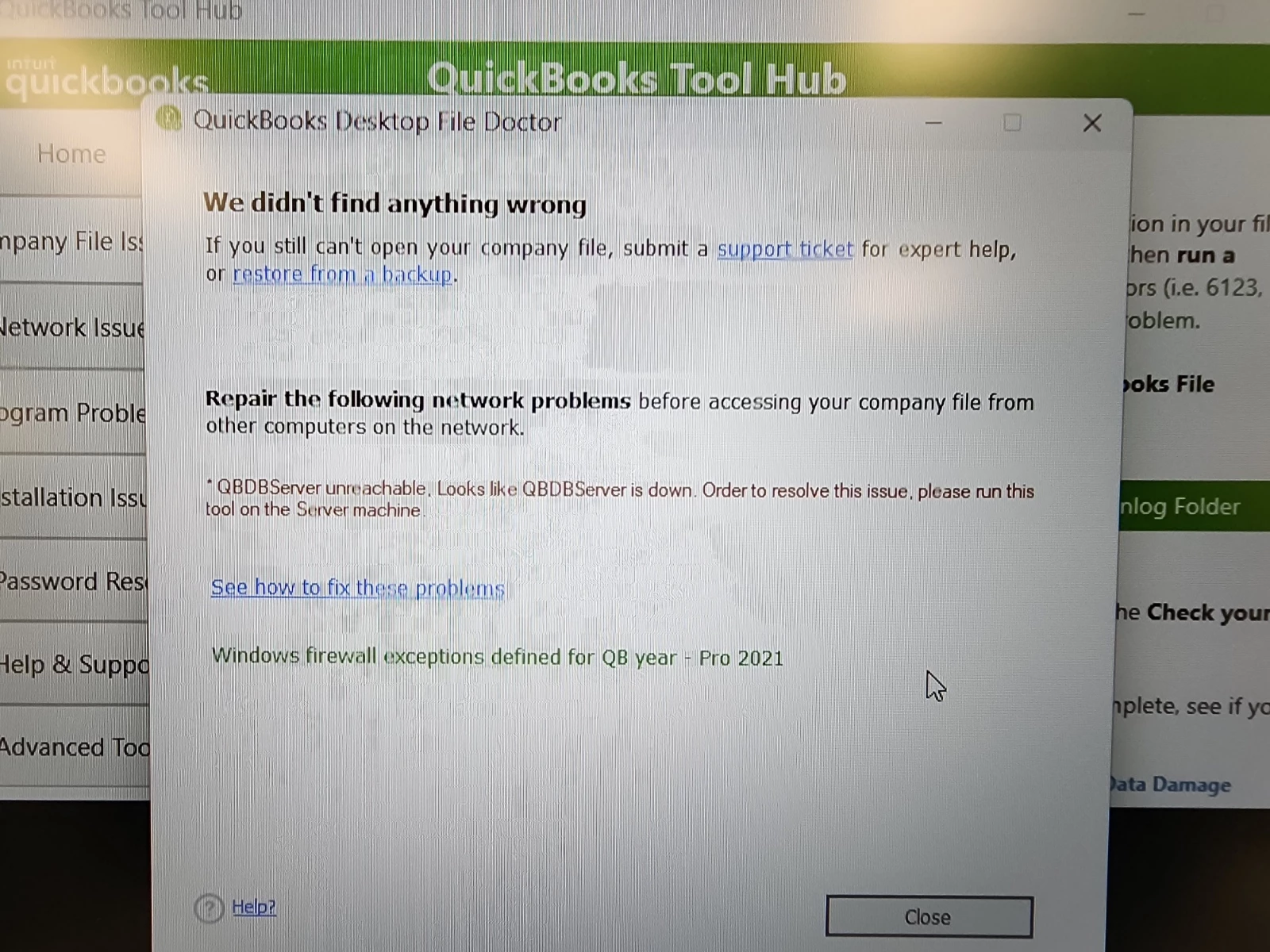
In process of answering the various questions, I came to the Network Access screen. It asks, “Are you on a server or workstation?” I read both options carefully but I was confused by the descriptions. We have a stand-alone workstation and the QB files were on the computer itself so I chose the 2nd option, WORKSTATION, because the first part of the description made sense (but the 2nd part of the sentence….”but it’s stored on a server,” didn’t make sense. I received this message…”QBDBServer unreachable. Looks like the QBDBServer is down. Order to resolve this issue, please run this tool on the Server machine”. Which make sense because there is not a server. I then started the File Doctor over and chose SERVER this time and it worked. Just wanted to let you know so you can update this information. Thoughts?