
Get 50% OFF QuickBooks for 3 months*

Buy now
Switch to QuickBooks and 70% off for 3 Months

1 reply

QuickBooks Team
May 21, 2026
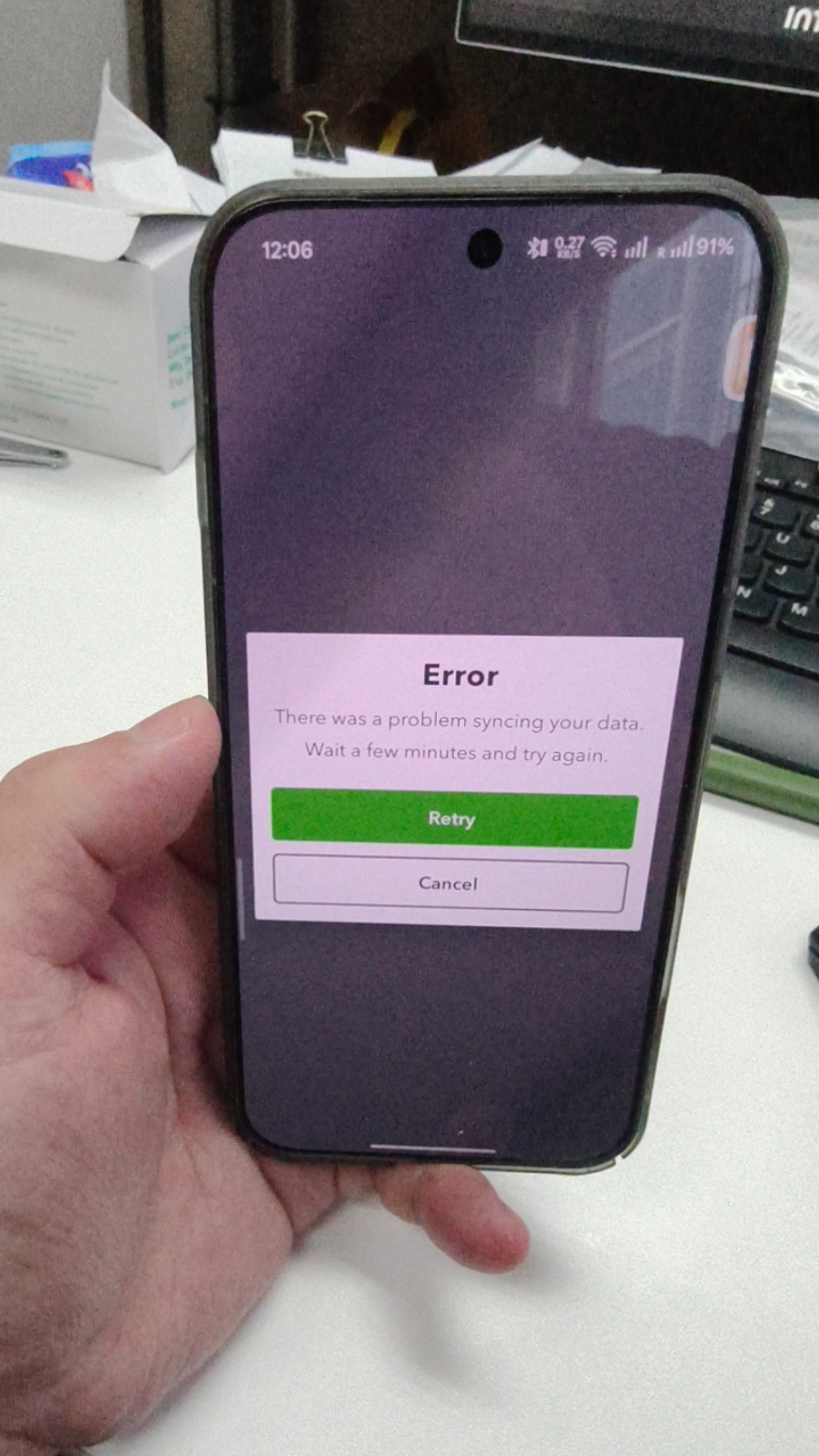
Temporary files stored on your phone can sometimes get corrupted causing the error you've encountered. To rule this out, I recommend clearing the app's storage. Here's how:
 
  1. Open the Settings app on your device.
  2. Select Apps.
  3. Choose QuickBooks Online from the list, then click Storage.
  4. Tap Clear Data.

If the issue persists, you can uninstall and reinstall the application.

Let us know if you have additional concerns. We're here to help.
