Solved
Customer Job list no longer showing indented list
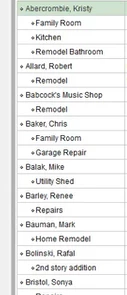
When adding a job to a customer, the list would list the job UNDER the customer like shown below
This no longer happens. - like below.
How do we change this back? 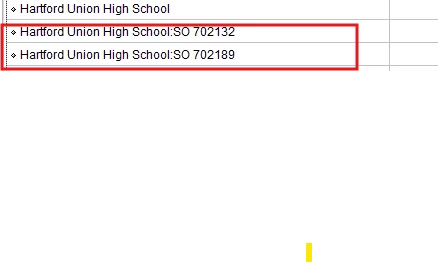

When adding a job to a customer, the list would list the job UNDER the customer like shown below
This no longer happens. - like below.
How do we change this back?
Right click on the customer list and pick Hierarchical View.
Enter your E-mail address. We'll send you an e-mail with instructions to reset your password.